

CalendarBOX
CalendarBOX is a free animated date-picker for Claris FileMaker Pro. Use CalendarBOX within your own solutions to select dates via a pop-up card window and give your solution a professional look. Completely free, completely unlocked.
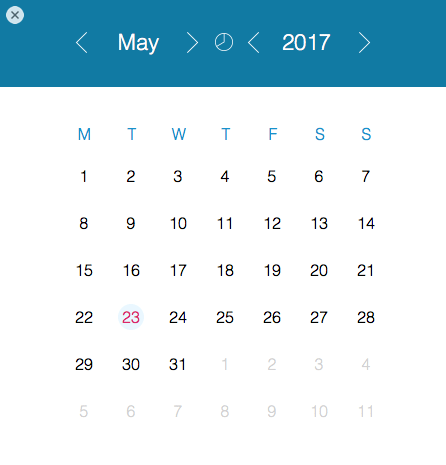
Single date-picker
Select a single date and set your desired field within your Claris FileMaker solution.

Date range date-picker
Select date ranges. Ideal for reports or for setting start dates and end dates.
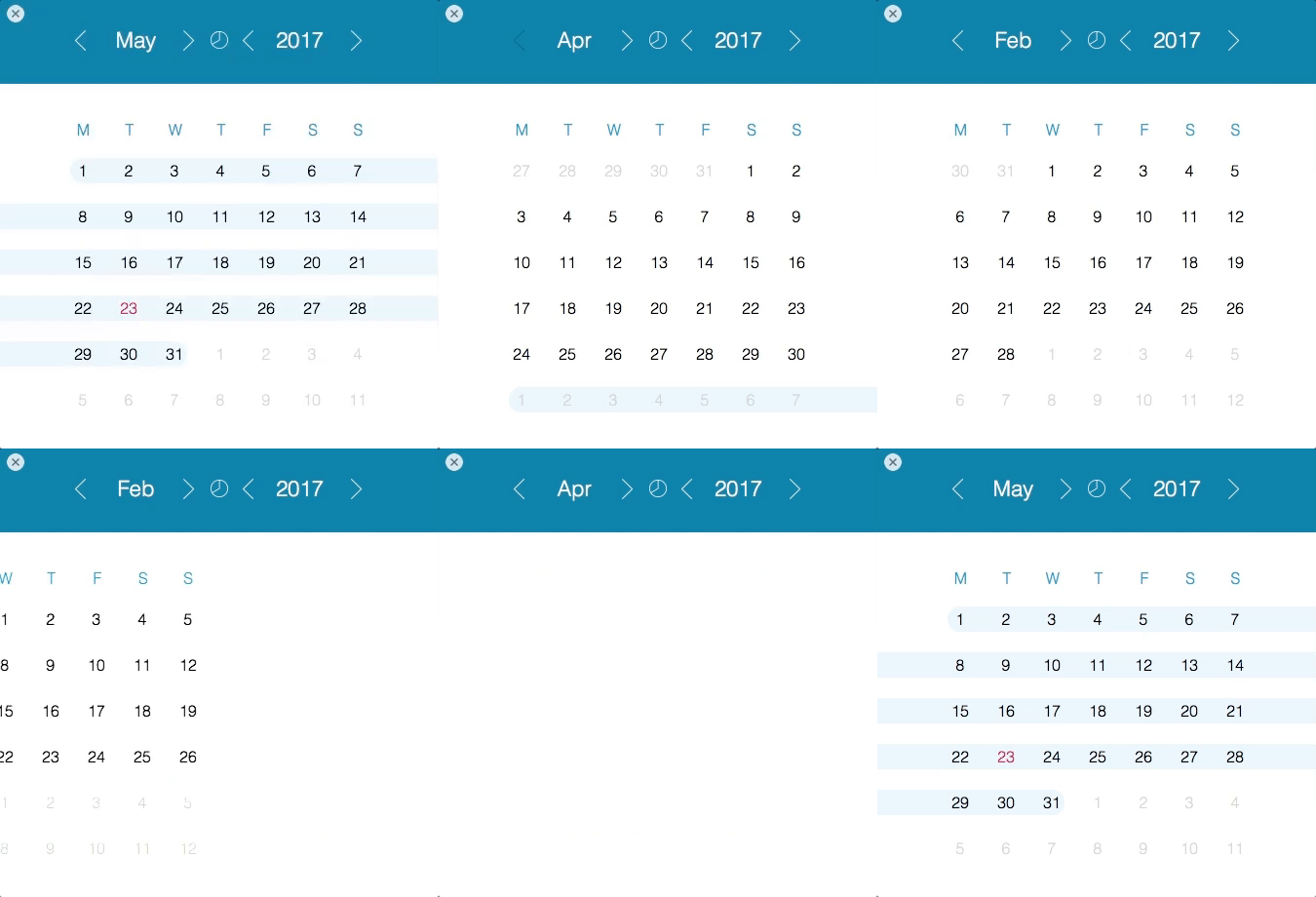
Animated scrolling
Animated scrolling provides visual cues to the user.
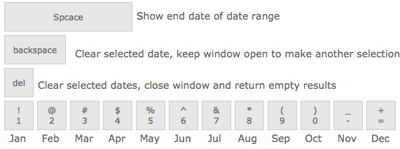
Keyboard Shortcuts
Use 24 keyboard shortcuts to simplify the date selection process.
Download it now – its free!


Installation and user instructions
Installation and user instructions can be found here: CalendarBOX 3.0 install and user instructions
Requirements
CalendarBOX works with Claris FileMaker Pro version 16 or later.
Support
CalendarBOX is provided as is free of charge, therefore we do not provide free support for the product. If you need assistance, please note that it will be a paid consultation. To arrange a consultation, please contact us.
License
CalendarBOX is licensed under a MIT License. Basically, you can do what ever you like with it. There are no restrictions whatsoever.
Fresh from the blog …

How to calculate distance and travel time using Google Maps in FileMaker
Hands up if you've ever used Google Maps to calculate distances between two addresses and work out how long it will take you to get there. I'm sure I'm not the only one to use Google [...]
CalendarBOX now compatible with older versions of FileMaker
A few months back we released CalendarBOX version 3; a free FileMaker 16 developer tool that lets you add cool animated date pickers to your FileMaker solutions for a sleek professional look. To our surprise, [...]
CalendarBOX 3.0 Install and user instructions
We recently released CalendarBOX 3.0 - you can read about what's new in CalendarBOX here: CalendarBOX 3.0 Released. CalendarBOX is a free FileMaker Developer Tool that lets you add a cool animated date picker to your own [...]
CalendarBOX 3.0 Released
Hi there, We’ve just released CalendarBOX 3.0, and boy are we excited about this new release. Add an awesome animated date picker to your own FileMaker solutions with CalendarBOX. It's completely free and completely unlocked so [...]

How to create Groovy Dialog Boxes in FileMaker 16
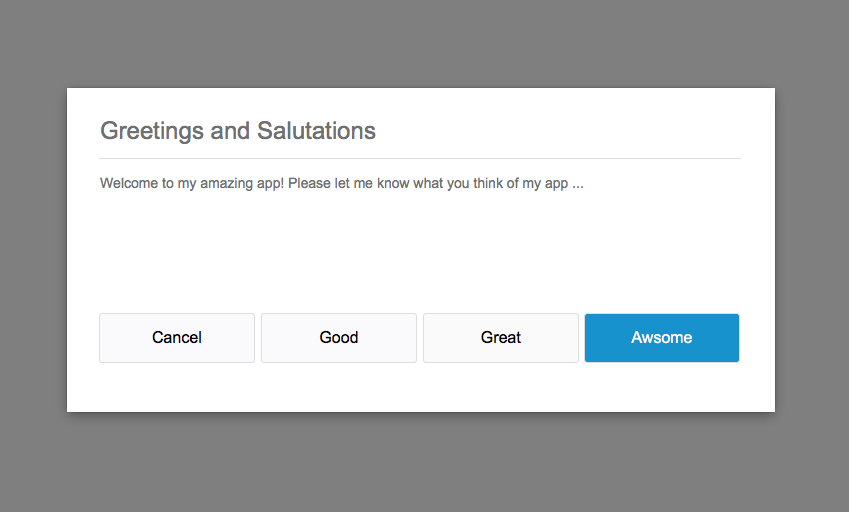
Lets face it, FileMaker's 'Show Custom Dialog' script step is not very attractive let alone customisable. Yes you can customise the text that appears on the dialog box such as title, message and button names - but [...]